
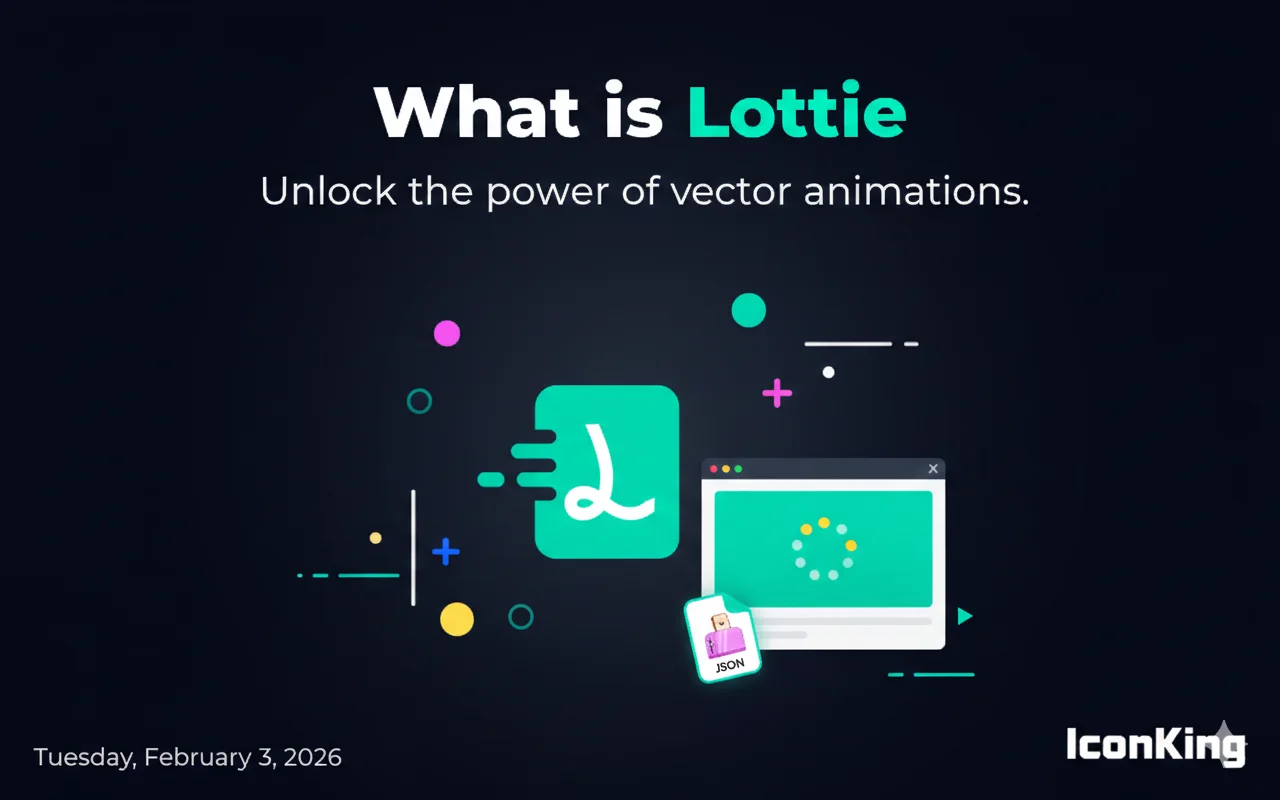
Understanding Lottie Animations
Lottie is an open-source animation file format that's taking the design and development world by storm. Created by Airbnb, Lottie has revolutionized how we implement animations in digital products, making it easier than ever to add high-quality, scalable animations to websites and mobile applications.
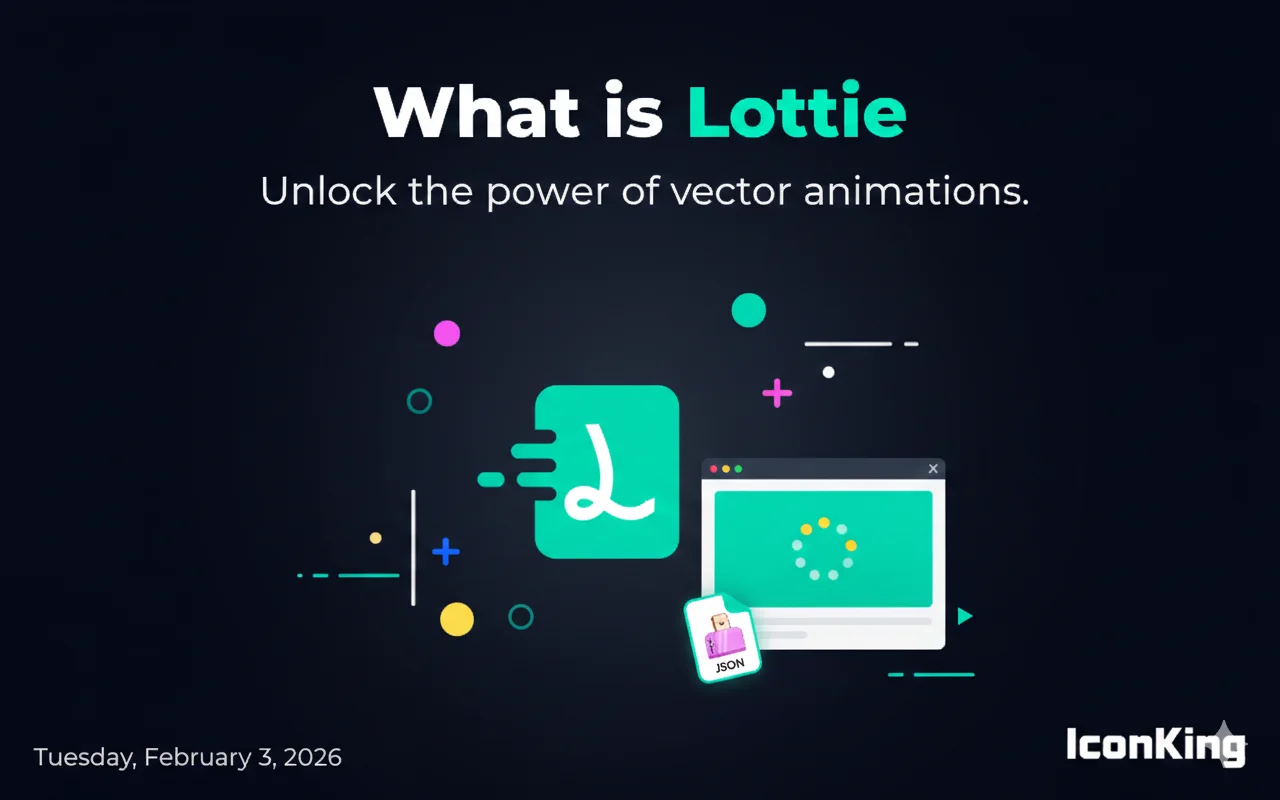
What Makes Lottie Special?
Unlike traditional animation formats like GIF or video files, Lottie animations are JSON-based, which means they're incredibly lightweight and scalable. A Lottie file can be as small as a few kilobytes, while maintaining crisp quality at any screen size or resolution.
Key Benefits of Lottie:
- Small File Size: Lottie files are typically 600% smaller than GIFs
- Scalable: Vector-based animations that look perfect at any size
- Interactive: Can be controlled programmatically with JavaScript
- Cross-Platform: Works seamlessly on web, iOS, and Android
- Easy to Implement: Simple integration with popular frameworks
📷 Image Space: File Size Comparison Chart
How Lottie Works
Lottie animations start their life in Adobe After Effects. Designers create complex animations using After Effects' powerful tools, then export them as JSON files using the Bodymovin plugin. These JSON files contain all the animation data in a lightweight, readable format.
The Workflow:
- Designer creates animation in Adobe After Effects
- Export animation using Bodymovin plugin
- Receive a JSON file containing the animation data
- Implement the JSON file in your app or website using Lottie libraries
- Control and customize the animation with code
📷 Image Space: Lottie Workflow Diagram
Common Use Cases
Lottie animations have become incredibly popular across various applications:
1. Loading Animations
Replace boring loading spinners with engaging, brand-consistent animations that keep users entertained while content loads.
2. Onboarding Screens
Guide new users through your app with smooth, illustrative animations that explain features and functionality.
3. Empty States
Turn empty pages into opportunities for delight with playful animations that encourage user action.
4. Success/Error Feedback
Provide clear visual feedback for user actions with animated checkmarks, error indicators, and more.
📷 Image Space: Lottie Use Cases Examples
Technical Specifications
Lottie supports a wide range of After Effects features, including:
- Shape layers
- Solids
- Images
- Precomps
- Masks
- Alpha Mattes
- Trim Paths
- Layer transforms (position, scale, rotation, opacity)
Getting Started with Lottie
Ready to start using Lottie animations in your projects? Here's what you need:
- A Lottie animation file (JSON format)
- The Lottie library for your platform (web, iOS, or Android)
- Basic knowledge of your development framework
On IconKing, we provide thousands of free, ready-to-use Lottie animations that you can download and implement in minutes. No design skills required!
📷 Image Space: Getting Started Guide Visual
Conclusion
Lottie animations represent the future of digital animation. They're lightweight, scalable, and incredibly versatile. Whether you're building a website, mobile app, or any digital product, Lottie provides a powerful way to add engaging animations that enhance user experience without sacrificing performance.
Start exploring Lottie animations today and discover how they can transform your digital projects!